Your regulars will show up
if they know you're there.
When shoppers can see your name, your category, and what you're bringing before they leave the house — they come with you in mind. Market Day puts that information on every market's live page.
Find your market →Find your market on Market Day, then ask your organizer to add you.
How it works
Your organizer adds you.
Your market organizer creates your vendor profile on Market Day. They enter your name, category, and contact info. You don't need an account.
You get a link to confirm your spot.
Before each market day, your organizer sends you a link. You tap it, enter what you're bringing that week, and optionally upload a photo. Takes 30 seconds.
Shoppers see your name on the live page.
Once you're confirmed, your name and what you're bringing shows up on the market's public page — the one shoppers check before they drive over.
Why it matters
Shoppers plan around you.
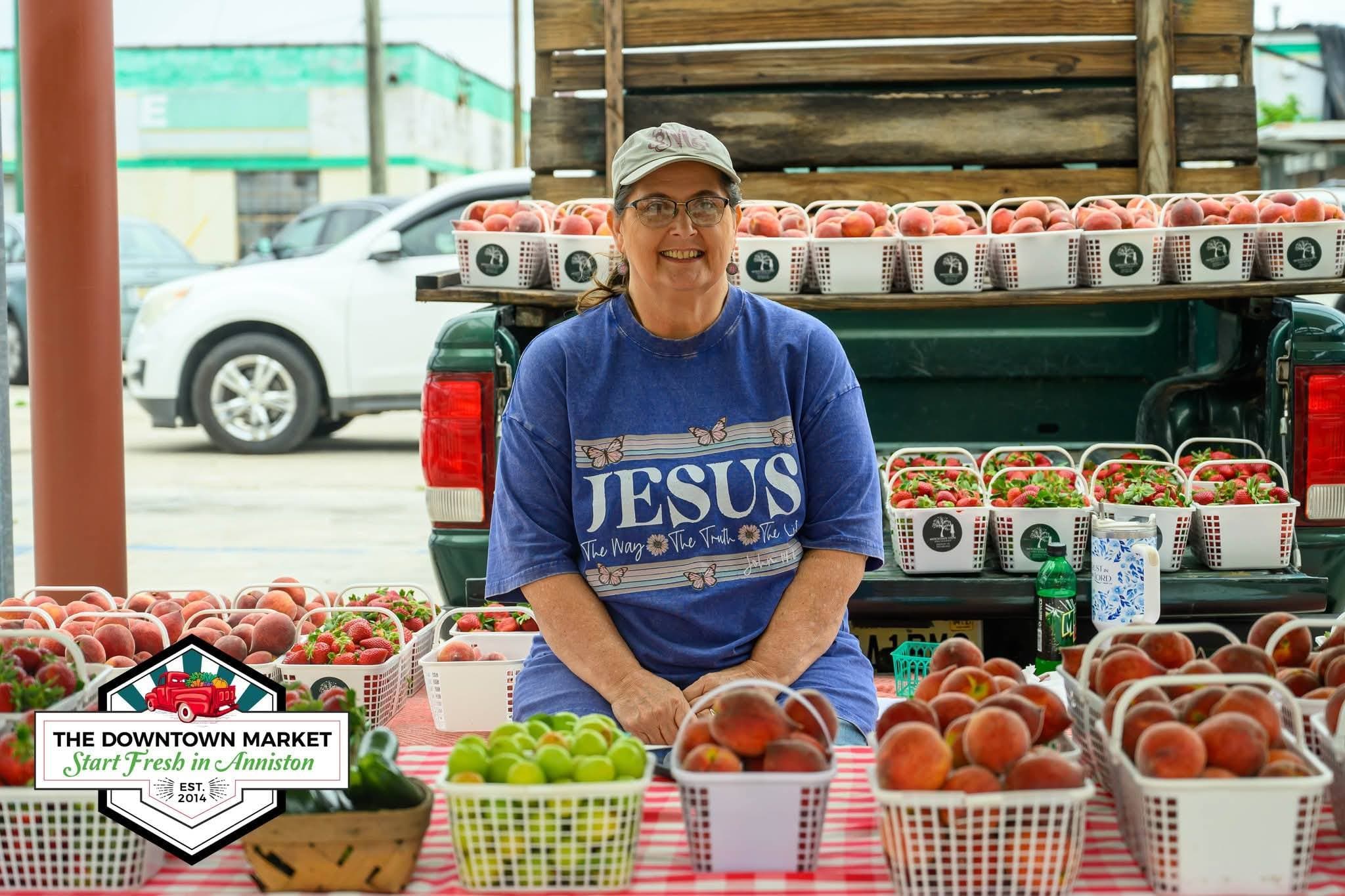
When someone sees "Sweet Honey Bees — wildflower honey, beeswax candles" on Saturday morning, they come to the market with cash ready.
Your regulars stay regular.
Shoppers who subscribe to market updates see your name every week. Visibility compounds — the longer you're on Market Day, the more loyal your base.
No app. No account. Just your info out there.
You don't need to download anything or manage a profile. Your organizer handles setup. You just confirm each week with a tap.
It works at any market on Market Day.
If you vend at multiple markets and both are on Market Day, your name can appear on both live pages. Your regulars find you wherever you go.
Is your market on Market Day?
Find your market on the directory. If it's already there, ask your organizer to add you as a vendor. If it's not listed yet, send them the link below.